Transform your images with AI
Change backgrounds, outfits, lighting, styles, objects and much more while preserving the important details of your original image.
How it works
Choose a transformation
Customize your transformation
Generate with AI
Compare Before / After
Download or edit again
What can you transform?
NourVox offers a broad range of guided image-to-image transformations from an existing image, without requiring complex prompt writing.
Change Background
Beach, office, studio, city, nature, luxury environments and more.
Change Outfit
Transform clothing while preserving the person's important visual characteristics.
Professional Portrait
Create polished professional portraits and headshots.
Cinematic Look
Add cinematic lighting and atmosphere to ordinary photos.
Hair & Appearance
Change hairstyle, hair color, beard, glasses or expression.
Add or Remove Objects
Add, remove, replace, move or recolor elements.
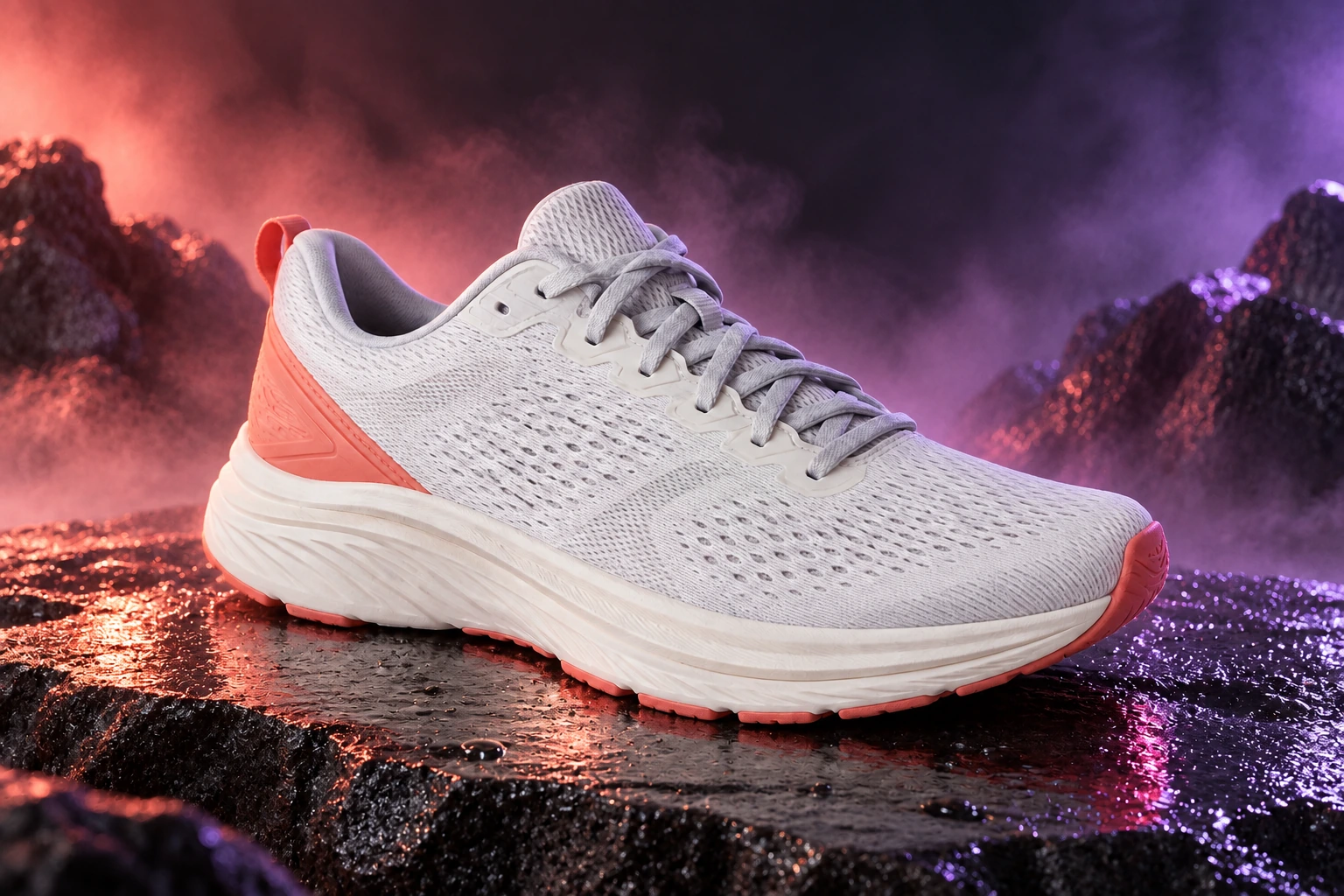
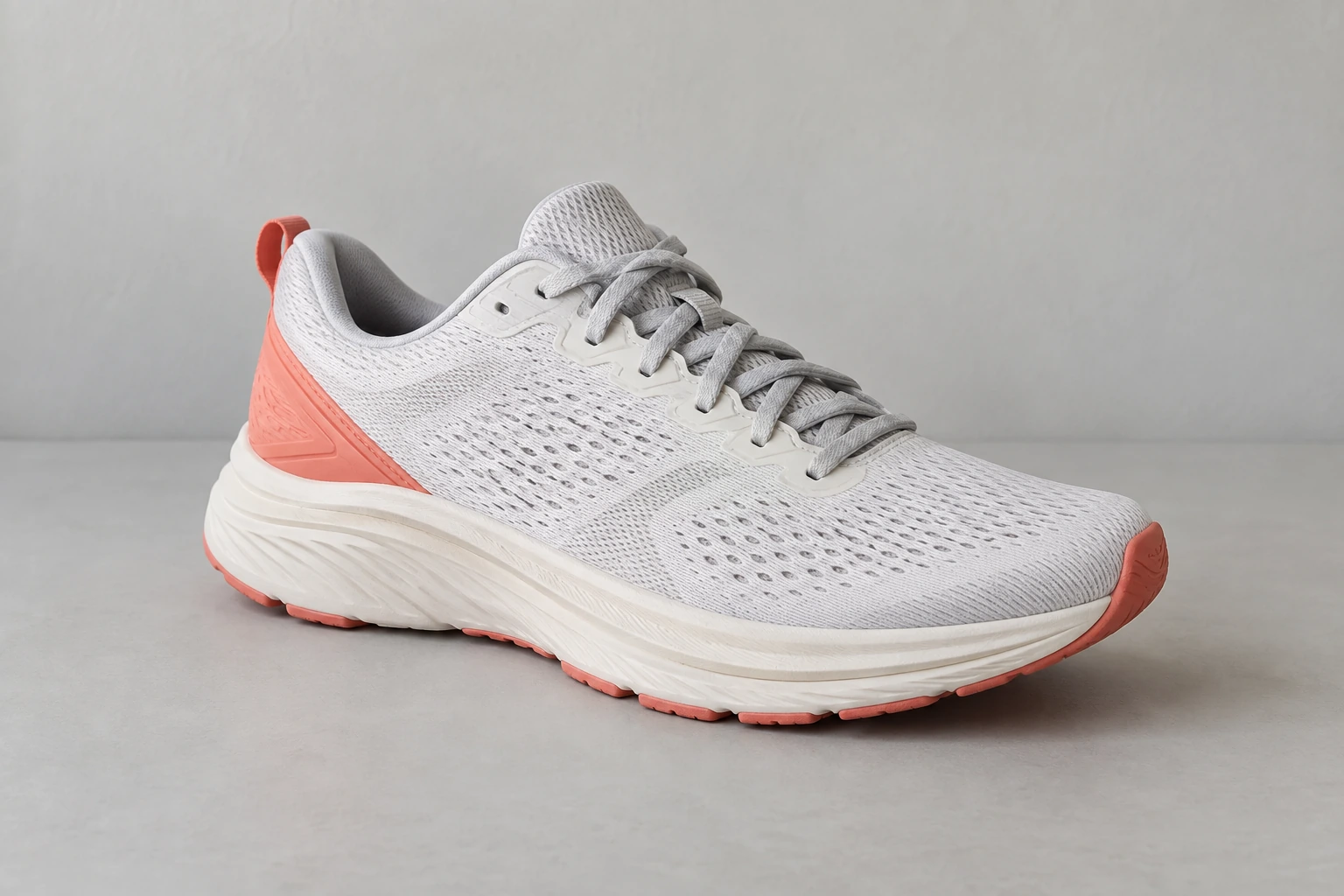
Product Photography
Create professional packshots, lifestyle images and advertising visuals.
Creative Styles
Cartoon, anime, illustration, 3D, sketch, watercolor, vintage, cyberpunk and fantasy.
Restore Photos
Restore, colorize, clean and enhance older photographs.
Lighting & Atmosphere
Golden hour, studio lighting, rain, snow, fog, night scenes and other effects.
Image Expansion
Expand and reframe for portrait, landscape, square or social-media formats.
One image, many possibilities
Social MediaContent CreatorsProfessional PortraitsProduct PhotographyAdvertisingE-commerceCreative ContentPhoto Restoration
Ready to transform your image?
Sign in and create your first transformation with GPT-Image-2.
Sign in and start